
9 min readRegional Guides
WhatsApp Automation for Recruitment Agencies, Manpower Suppliers & Staffing Firms in UAE
By Jeel Patel9 min readRegional Guides
Employers message several agencies for the same role, and candidates message in their hundreds after a single job ad. The agency that acknowledges applicants, collects documents and returns a qualified shortlist first usually wins the placement. Learn how UAE recruitment and manpower agencies can run candidate screening, document collection, interview reminders and shortlist updates on WhatsApp (أتمتة الواتساب لشركات التوظيف) with 0% markup on Meta's rates (plus ~4% conversion fee).
Key Takeaways
- Recruitment is message-first and two-sided: candidates flood in after one ad, and employers expect a fast shortlist from every agency they contact.
- Google Sheets triggers (new row, updated row, date in a column) can run application acknowledgments, document follow-ups, interview reminders and shortlist updates from one sheet.
- One verified number and a shared team inbox let recruiters, coordinators and client-relations staff work the same conversations.
- GrowOnBot does not integrate with ATS software, job boards or government portals, and placement fees are collected through external payment links.
- GrowOnBot adds 0% markup on Meta's rates; UAE message charges carry a ~4% currency-conversion fee. TDRA's 9 PM to 7 AM rule is an SMS rule; avoiding those hours for WhatsApp promotions is recommended good practice.
1. The Two-Sided Squeeze: Flooded by Candidates, Chased by Clients
Recruitment agencies, manpower-supply companies and staffing firms in Dubai, Abu Dhabi and Sharjah place people across construction, hospitality, retail, logistics, healthcare and office roles. Employers message several agencies for the same vacancy, so the agency that returns a qualified shortlist first has the advantage.
On the other side, a single job advertisement or Meta lead form can bring hundreds of CVs and WhatsApp messages within days. Manual screening buries strong candidates, document collection (passport copies, certificates, visa papers) drags on across personal phones, and interview scheduling between candidates, clients and sites creates constant back-and-forth.
2. Bilingual Communication: English and Arabic Templates
You can write and submit templates in English and Arabic for acknowledgments, document checklists and interview confirmations, and your team can reply in either language in the shared team inbox. The language choice applies to template content and agent replies, not to the GrowOnBot interface.
The templates later in this guide pair an English and an Arabic version of the same message.
3. Core WhatsApp Workflows for Recruitment and Manpower Agencies
- • Instant application acknowledgment and checklist: Candidates receive a role acknowledgment and a documents-to-submit checklist as a PDF.
- • Automated screening questions: Interactive flows capture role interest, experience, current location, visa status and notice period.
- • Interview scheduling and reminders: Booked slots are confirmed, and a date in a column triggers a reminder before each interview.
- • Document collection tracking: Updating a candidate's row when documents arrive lets the next follow-up go out to those still pending.
- • Client vacancy intake: A new client enquiry creates a lead record capturing role, headcount, location and salary band.
- • Shortlist updates: When a recruiter updates a row after a shortlist moves forward, the client receives a status message.
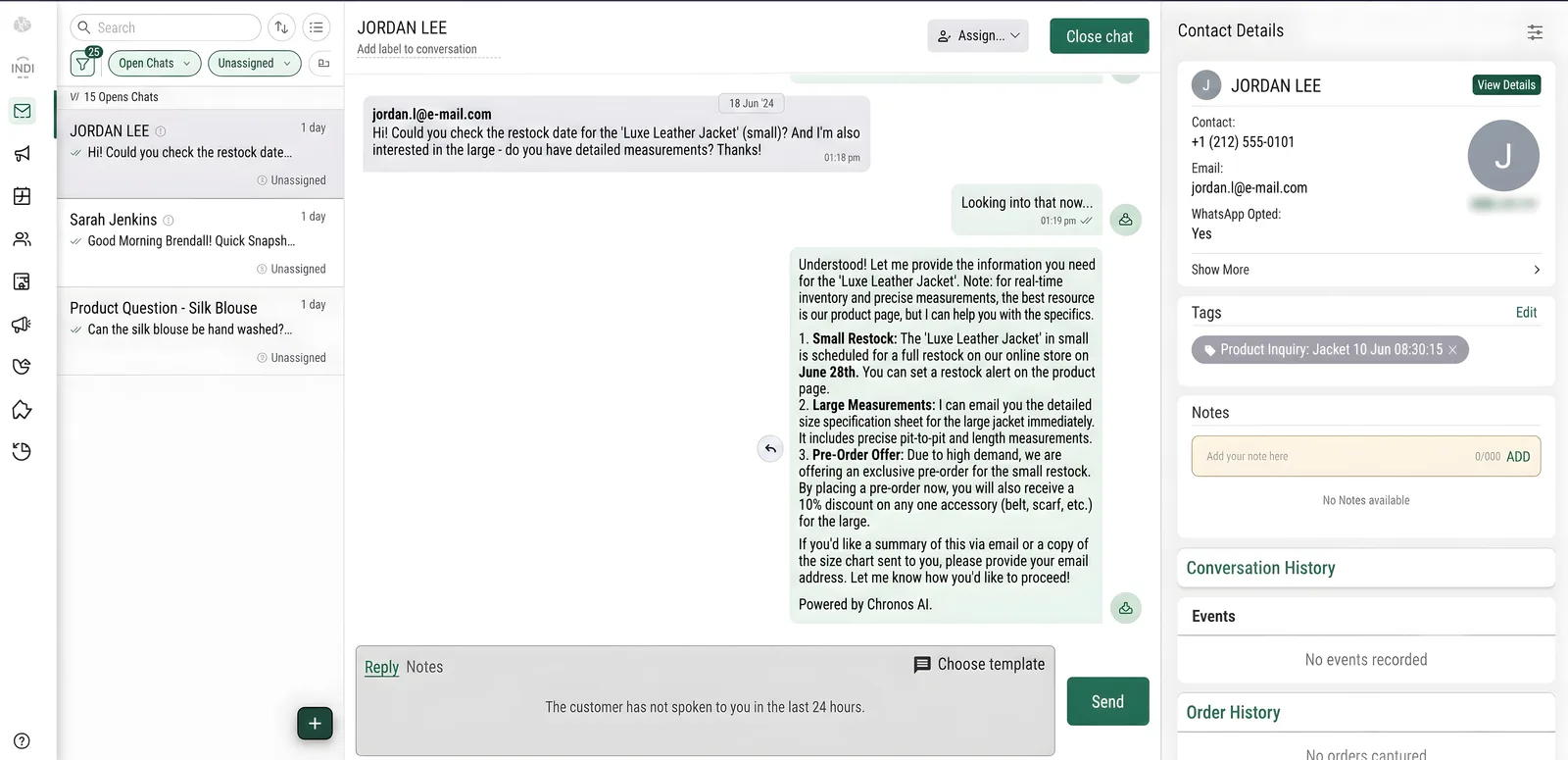
- • Shared team inbox: Recruiters, coordinators and client-relations staff work one verified company number, with conversation assignment.
4. Managing Candidate and Vacancy Pipelines with Google Sheets
- • New row: A candidate application or a client vacancy adds a row, which sends the acknowledgment and checklist to a candidate or an intake summary to a client.
- • Updated row: When a recruiter updates a row after documents are received or a candidate is shortlisted, the matching follow-up message goes out. The trigger fires when the row is updated; it does not watch for a particular status value, so decide which edits should send a message.
- • Date in a column: Interview dates and document deadlines each drive their own reminder on or ahead of the date stored in the column.
*Triggers fire when a row is created or updated, or when the date in a column arrives. They do not fire on a specific field value or pipeline stage.
5. CRM: HubSpot, Zoho CRM and Salesforce
Agencies that manage clients and candidates in a CRM can trigger WhatsApp messages from HubSpot (contact, deal or ticket created or updated; tickets on creation only), Zoho CRM (lead or deal created or updated; Professional plan and above) or Salesforce (contact, account, opportunity or lead created or updated).
New client enquiries create or update lead and contact records, so company names, phone numbers and contact details stay aligned. Chat transcripts do not sync to the CRM; conversations stay in the GrowOnBot inbox.
GrowOnBot does not integrate with ATS or HR software, job boards, payroll systems or MOHRE and other government portals.
6. Winning Vacancies and Candidates with Click-to-WhatsApp Ads
Agencies run separate Meta Click-to-WhatsApp campaigns for employers (to win vacancies) and for candidates (to fill them). When someone messages from such an ad and you reply within the 24-hour customer service window, Meta opens a free entry point window, which can stay open for up to 7 days. While it is open, Meta does not charge for marketing, utility, authentication or service messages. See our Click-to-WhatsApp ads guide for the full rules.
7. Pricing in AED, Meta's October 1, 2026 Rules and the TDRA Quiet Hours
GrowOnBot charges a flat plan fee and passes Meta's AED rates through at 0% markup. UAE accounts carry a ~4% currency-conversion fee on Meta charges, which is a payment-conversion cost and not a markup. Meta's AED rates used on this site are AED 0.2115 for Marketing and AED 0.0576 for Utility, Authentication and Service messages.
Since October 1, 2026, each business phone number gets 1,000 free service messages a month; free-form replies sent inside the 24-hour customer service window beyond that are charged at the Service rate. Customer-initiated messages are free to receive. Pre-approved Utility templates for interview confirmations, document reminders and status updates are billed at the Utility rate and keep those costs predictable. Our guide to WhatsApp service message charges from October 1, 2026 explains the formula.
Illustrative Economic Model, not a quote: an agency handles 6,000 service replies and 2,000 Utility templates in a month.
- • GrowOnBot Growth plan: Flat AED 149 / month.
- • Service messages: 6,000 replies − 1,000 free = 5,000 chargeable × AED 0.0576 = AED 288.00.
- • Utility messages: 2,000 × AED 0.0576 = AED 115.20 (interview confirmations, document reminders, status updates).
- • Meta charges subtotal: AED 288.00 + AED 115.20 = AED 403.20 at 0% GrowOnBot markup.
- • Currency-conversion fee (~4%): AED 403.20 × ~4% = ~AED 16.13.
- • Total estimated monthly cost: AED 149 + AED 403.20 + ~AED 16.13 = ~AED 568.33.
*Illustrative Economic Model for planning only, not a quote or a result for any agency. Message volumes are assumptions. Actual cost depends on your own volume, the current Meta rate card and your bank's conversion fee.
8. TDRA Quiet Hours: an SMS Rule, with Good Practice for WhatsApp
The Telecommunications and Digital Government Regulatory Authority (TDRA) restricts unsolicited promotional SMS between 9:00 PM and 7:00 AM. That is an SMS rule and not a WhatsApp rule. For promotional WhatsApp broadcasts, keeping to daytime hours is recommended good practice.
Send Marketing templates only to candidates and clients who have opted in, for example through your website form or a Click-to-WhatsApp ad. TDRA information: https://tdra.gov.ae/.
9. Copy-Paste Bilingual Message Templates (English and Arabic)
Replace the bracketed placeholders with your own details and submit each template to Meta for approval in the category shown.
Application Acknowledgment and ScreeningService window reply or Utility
EN:
Hello {{1}}, thank you for applying for {{2}} with [Agency Name]. To move your application forward, please reply with:
1. Current location:
2. Years of experience:
3. Visa status:
4. Notice period / availability:

We will contact you after reviewing your profile.

AR:
مرحباً {{1}}، شكراً لتقديمكم على وظيفة {{2}} لدى [اسم الشركة]. لمتابعة طلبكم، يرجى الرد بالمعلومات التالية:
1. الموقع الحالي:
2. سنوات الخبرة:
3. حالة التأشيرة:
4. فترة الإشعار / موعد التوفر:

سنتواصل معكم بعد مراجعة ملفكم.
Document ChecklistUtility
EN:
Hi {{1}}, to continue your application for {{2}}, please send the documents listed in the attached checklist (PDF) by {{3}}.

Reply to this message with clear photos or PDFs. Questions? Reply here.

AR:
مرحباً {{1}}، لمتابعة طلبكم لوظيفة {{2}}، يرجى إرسال المستندات الموضحة في قائمة المراجعة المرفقة (PDF) قبل {{3}}.

يمكنكم الرد على هذه الرسالة بصور واضحة أو ملفات PDF. للاستفسار يرجى الرد هنا.
Interview Confirmation and ReminderUtility
EN:
Hi {{1}}, your interview for {{2}} is confirmed.

Date: {{3}}
Time: {{4}}
Location: {{5}}

Please bring your original ID. Need to change the slot? Reply to this message.
[View Location] [Reschedule]

AR:
مرحباً {{1}}، تم تأكيد موعد مقابلتكم لوظيفة {{2}}.

التاريخ: {{3}}
الوقت: {{4}}
الموقع: {{5}}

يرجى إحضار الهوية الأصلية. لتغيير الموعد يرجى الرد على هذه الرسالة.
[عرض الموقع] [تغيير الموعد]
Shortlist Update to ClientUtility
EN:
Dear {{1}}, the shortlist for your {{2}} vacancy has been updated. {{3}} candidates are ready for your review.

Shall we arrange interviews? Reply here to confirm your preferred dates.

AR:
عزيزي {{1}}، تم تحديث القائمة المختصرة لوظيفتكم الشاغرة {{2}}. يوجد {{3}} مرشحين جاهزين لمراجعتكم.

هل ترغبون في ترتيب المقابلات؟ يرجى الرد هنا لتأكيد التواريخ المفضلة.10. Sources
Message categories, AED rates and the 1,000 free monthly service messages: Meta, Pricing on the WhatsApp Business Platform (https://developers.facebook.com/documentation/business-messaging/whatsapp/pricing).
UAE telecommunications and unsolicited marketing SMS policy: Telecommunications and Digital Government Regulatory Authority (TDRA) (https://tdra.gov.ae/).
UAE employment and staffing regulatory context: Ministry of Human Resources and Emiratisation (https://www.mohre.gov.ae/).
Step-by-Step Guide for UAE Recruitment Teams
1
Register the agency's official UAE number
Use a dedicated +971 number and complete Meta Business Verification with your UAE trade licence, so candidates and employers see a verified business profile.
2
Build the candidate and vacancy sheet in Google Sheets
Add columns for Name or Client, Role, Location, Visa Status, Document Status, Interview Date and Stage, with one row per candidate or vacancy.
3
Submit message templates to Meta
Register Utility templates for application acknowledgments, document checklists, interview confirmations and status updates in English and Arabic.
4
Set up the shared team inbox
Create teams so candidate conversations and client conversations reach the right recruiter or coordinator.
5
Test before a bulk-hiring drive
Add a test row, update it and set an interview date a day ahead, then confirm each template arrives on your own phone before you start a large campaign.
Frequently Asked Questions
Related Growth Guides
- GrowOnBot pricing in AED with 0% markup on Meta rates
- WhatsApp service message charges from October 1, 2026
- WhatsApp Business API in the UAE: AED pricing and compliance
- Google Sheets WhatsApp automation guide
- WhatsApp shared team inbox
- Click-to-WhatsApp ads guide
- WhatsApp lead generation and qualification guide
- WhatsApp for business setup and PRO consultancies in the UAE
Explore Related WhatsApp Business Guides
Master WhatsApp marketing, customer support, and sales automation with our comprehensive guides:
Ready to Shortlist Faster on WhatsApp?
Start your 14-day free trial. Acknowledge applicants, collect documents, remind candidates about interviews and update clients, with 0% software markup on Meta's rates (plus ~4% conversion fee).
Written by: Hermes-gob-jim