
10 min readRegional Guides
WhatsApp Business API Verification & GST Compliance in India: The Complete 2026 Walkthrough
By Jeel Patel9 min readRegional Guides
Getting access to the official WhatsApp Business API in India involves more than purchasing a software plan. Meta requires every business to pass a mandatory Business Verification check, and Indian businesses face specific nuances around GST registration, Udyam certificates, and Shop & Establishment licenses. This guide walks through the exact documents Meta requires, the step-by-step Business Manager process, common rejection reasons, and how GrowOnBot simplifies onboarding with 0% markup, flat pricing, and a 14-day free trial.
Key Takeaways for Indian SMBs
- GST is the fastest route, not the only route: A Udyam/MSME certificate, Certificate of Incorporation, or Shop & Establishment License also qualifies for legal-name verification.
- Character-for-character consistency is the #1 approval factor: Your legal name and address must match identically across your registration document, Meta Business Manager, and your live website.
- Verification is free: Meta charges nothing for Business Verification — a “verification fee” from any provider is a markup, not a Meta cost.
- Approval unlocks higher messaging tiers: From 1,000 to 10,000 to 100,000+ daily business-initiated conversations, scaled automatically based on quality rating.
1. Understanding the Difference: Business Verification vs Green Tick
Businesses frequently confuse three distinct checks:
Phone Number Verification (OTP)
A one-time SMS or voice call to validate you control the phone number. Required for every WhatsApp Business API number, regardless of business size.
Meta Business Verification
A formal check proving your business is legally registered. This is what unlocks higher messaging tiers (1,000 → 10,000 → 100,000+ daily conversations). The focus of this guide.
Official Business Account (Green Tick)
A separate, discretionary application granted by Meta based on brand notability and media presence. Not required to send at scale. See our Green Tick guide for eligibility details.
2. Documents Required for WhatsApp Business API Verification in India
Meta needs to confirm that your business is legally registered and that your address is real. You need exactly one document proving your legal business name and one proving your business address.
Legal Business Name Documents (Choose One)
- • GST Registration Certificate — fastest approval, Meta cross-checks GSTIN directly with government databases.
- • Certificate of Incorporation — for Private Limited companies / LLPs, issued by MCA.
- • Udyam / MSME Registration Certificate — for sole proprietorships and micro-businesses.
- • Shop & Establishment License — for local retail outlets and clinics.
Business Address Documents (Choose One)
- • Recent Electricity / Utility Bill
- • Bank Statement (matching the business name and address)
- • Rental / Lease Agreement
- • The registration certificate itself, if it lists the address
Additional Prerequisites
- • PAN Card of the business entity (for Pvt Ltd / LLP) or the Proprietor's PAN (for proprietorships).
- • Live Business Website — must have a Privacy Policy page, Terms of Service, and contact details matching your GST/business documents exactly.
- • Business Domain Email — a corporate email (e.g. [email protected]) strengthens the application.
The Golden Rule: Character-for-Character Consistency
The #1 cause of verification rejections in India is a mismatch between your legal documents and your Meta Business Manager details. If your GST certificate says “Sharma Traders Private Limited”, do not enter “Sharma Traders” or “Sharma Enterprises” in Meta Business Manager. Ensure the same legal name, address, and phone number appear identically on your GST certificate, Meta Business Manager, and your business website.
3. Step-by-Step: How to Complete Meta Business Verification (India)
1
Create Meta Business Manager Account
Go to business.facebook.com and create or log in to your Business Manager account.
2
Navigate to Security Center
In Business Settings, open Security Center and click Start Verification.
3
Enter Legal Business Details
Enter your exact legal business name, address, country (India), and phone number as printed on your GST certificate.
4
Upload Documents
Upload clear, uncropped scans of your GST certificate and proof-of-address document.
5
Complete OTP Verification
Choose your verification method (phone or email) and enter the verification code.
6
Wait for Approval
Submit and wait 2-10 working days for Meta's review.
Can You Get WhatsApp API Without a GST Number?
Yes! You can start with a Udyam/MSME certificate, Shop & Establishment License, or Certificate of Incorporation. You can even run a free trial without GST. However, GST verification is the fastest route as Meta's system cross-checks GSTIN directly.
4. Common Verification Rejection Reasons & Fixes
| Rejection Reason | Fix |
|---|---|
| Legal name mismatch (Brand name vs registered name) | Copy the legal name character-for-character from your GST/PAN/MSME certificate |
| Blurry, cropped, or expired documents | Re-scan in high resolution, full page, with a recent date |
| Address mismatch between document and Business Manager | Align both to the exact address on your registration document |
| Thin public footprint | Ensure your website is live, has a Privacy Policy, and matches your brand |
| Unreachable phone number | Use a number you control that can receive SMS/voice calls |
| Not a Business Manager admin | Only admins can submit verification — have the admin perform the submission |
5. GST Invoicing & Compliance with GrowOnBot
Once you're live on the WhatsApp Business API with GrowOnBot, all software subscriptions come with:
- • GST-compliant tax invoices featuring your registered GSTIN, enabling 18% Input Tax Credit (ITC).
- • Local Indian payment methods (UPI, Net Banking, NEFT/RTGS, RuPay, Indian Credit/Debit Cards) with zero forex transaction fees.
- • Transparent 0% markup billing on official Meta conversation rates in INR (Marketing: ~₹0.78, Utility: ~₹0.115, Service: ~₹0.29). See our full pricing breakdown.
6. Messaging Tiers After Verification
| Tier | Daily Business-Initiated Conversations |
|---|---|
| Tier 1 (Default) | 1,000 |
| Tier 2 | 10,000 |
| Tier 3 | 100,000 |
| Tier 4 | Unlimited |
Higher tiers are unlocked automatically based on quality rating and consistent message delivery.
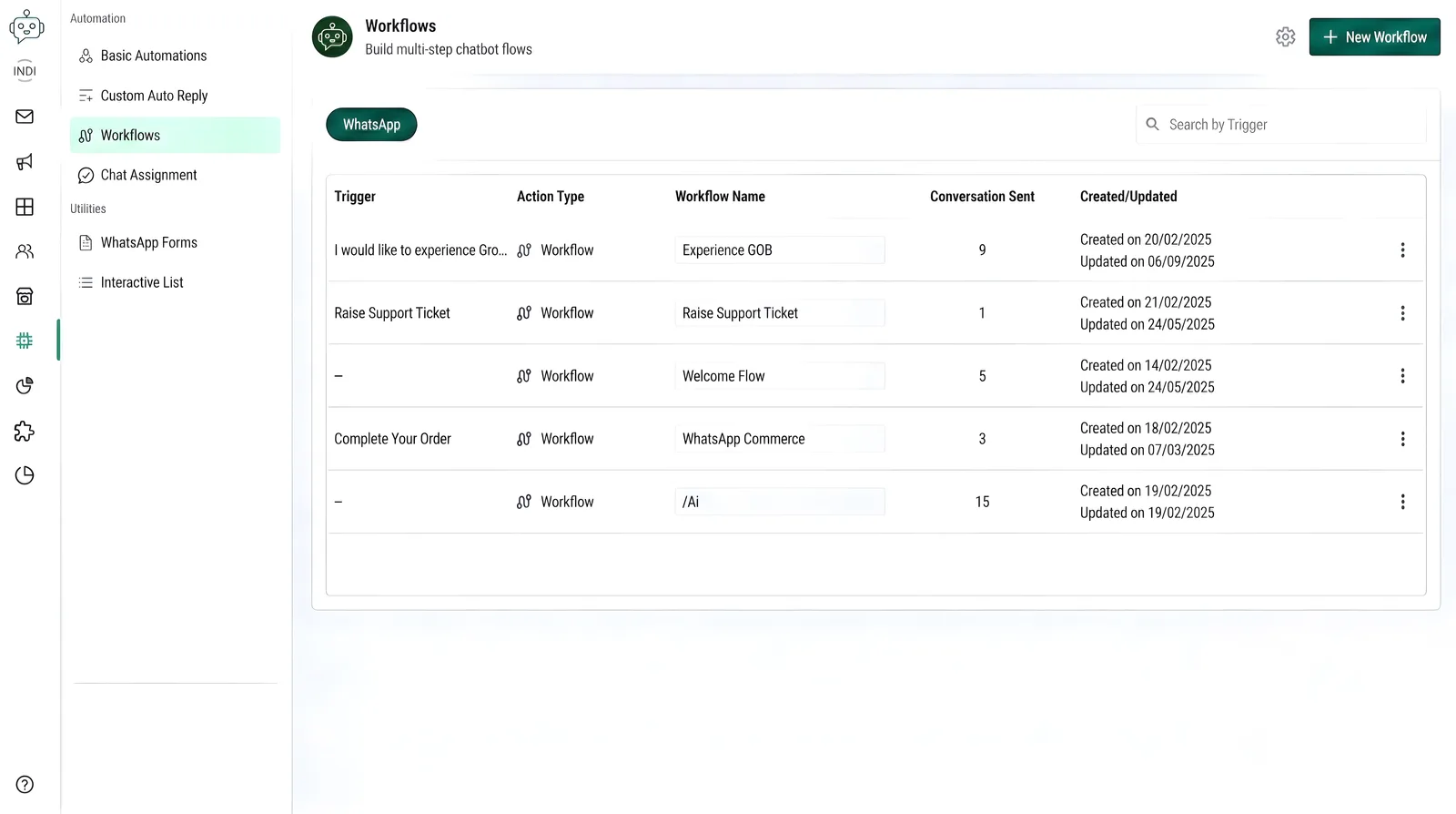
GrowOnBot: GST-compliant invoicing, 0% markup on Meta rates, and Indian payment methods.
Frequently Asked Questions: Verification & GST Compliance
Setup & AEOExpert answers on Meta Business Verification documents, timelines, and GST compliance for Indian businesses.
Explore Related WhatsApp Business Guides
Master WhatsApp marketing, customer support, and sales automation with our comprehensive guides:
Verified & GST-Compliant from Day One
Ready to Get Verified on the WhatsApp Business API?
Start your 14-day free trial on GrowOnBot today. GST-compliant invoicing, 0% markup on Meta rates, and Indian payment methods — no verification fees, ever.